Online scams targeting seniors: what to watch for and how to stay safe
Being online can make life easier. You can stay in touch with family, manage appointments, pay bills, read the news, and learn new things.
But it also comes with some risk.
Scammers know that many seniors didn’t grow up with this technology. They try to use that gap against people. That doesn’t mean seniors are less capable. It usually means they haven’t had the same daily exposure to the tricks, pop-ups, fake emails, and pressure tactics that show up online.
The good news is that most online scams follow patterns. Once you learn what to watch for, they get a lot easier to spot.

Common online scams that target seniors
Scams can show up by email, phone call, text message, website pop-up, Facebook message, or even through fake ads.
Here are a few of the most common ones.
Phishing emails
A phishing email is a fake message that tries to look real.
It might pretend to be from your bank, Amazon, Canada Post, Netflix, Apple, the CRA, or another company you recognize. The message usually asks you to click a link, update your payment information, reset your password, or confirm personal details.
A simple rule: if you weren’t expecting the message, slow down.
Don’t click the link right away. Go directly to the company’s website or call them using a phone number you already trust.
Tech support scams
Tech support scams are very common.
You might get a phone call or see a pop-up saying your computer has a virus. The scammer may claim to be from Microsoft, Apple, your internet provider, or another well-known company.
They’ll often try to scare you into acting quickly. They may ask for remote access to your computer or tell you to pay for a repair.
Real companies don’t call out of nowhere to tell you your computer has a virus.
If that happens, hang up. If there’s a pop-up on your screen, don’t call the number. Get help from someone you trust.
Lottery and prize scams
These usually start with a message saying you won money, a gift card, a cruise, or some other prize.
The catch is that you have to pay a fee, share personal information, or provide banking details before you can receive it.
If you didn’t enter the contest, you didn’t win the prize.
Protect your personal information
Your personal information has value.
Be careful with:
- Social Insurance Number (SIN)
- banking information
- credit card numbers
- passwords
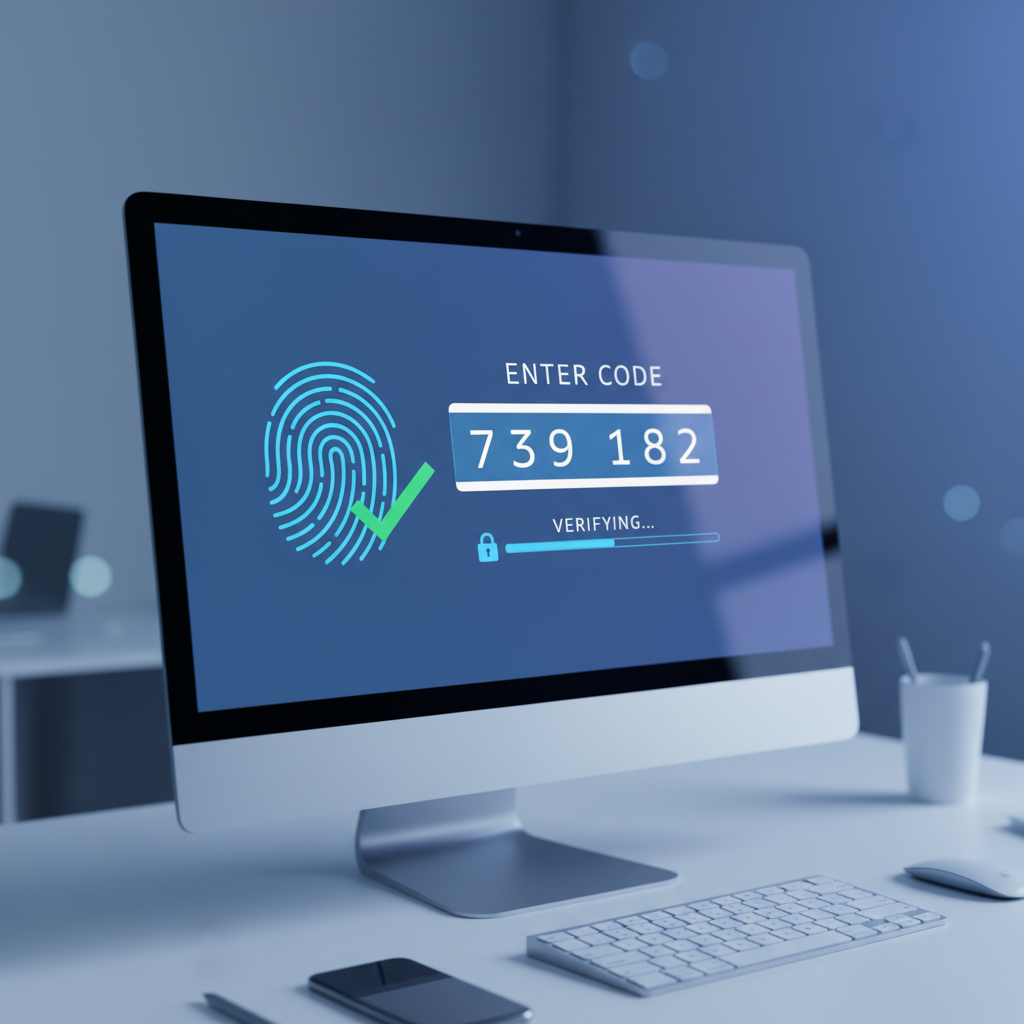
- security codes sent by text or email
- driver’s licence or health card details
Don’t share this information by email, text, or over the phone unless you are completely sure who you’re dealing with.
If someone is pressuring you, that’s a warning sign.
Scammers want you to feel rushed. Real organizations can wait while you check.
Use strong passwords
Passwords are still one of the biggest weak spots for many people.
A good password should be long, unique, and hard to guess. Try to avoid using names, birthdays, pets, phone numbers, or the same password on multiple accounts.
A password manager can help, especially if you have a lot of accounts. It stores your passwords securely so you don’t have to remember every single one.
If that sounds intimidating, don’t worry. This is exactly the kind of thing that can be set up step by step.
Verify before you trust
If you get a message or call that feels suspicious, verify it another way.
For example:
- If your bank calls, hang up and call the number on the back of your card.
- If you get an email from a company, go to the website yourself instead of clicking the link.
- If someone says they’re from the government, look up the official contact information.
- If a family member messages asking for money, call them directly before sending anything.
The habit is simple: pause, verify, then decide.
Staying Informed and Educated
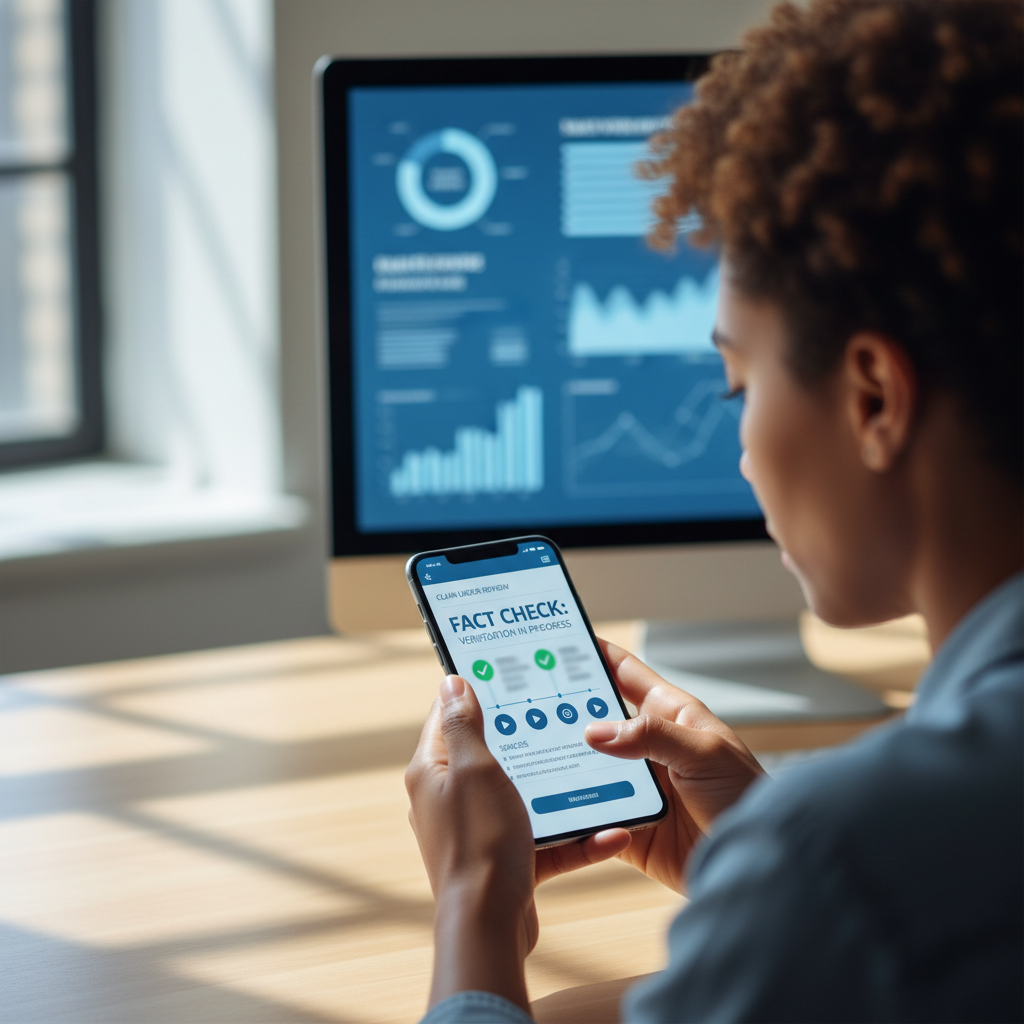
Stay informed about the latest scams by subscribing to alerts from trusted organizations. Regularly educating yourself about online safety can help you recognize potential threats before they become a problem.
Keep your devices updated
Your computer, phone, tablet, browser, and apps should be kept up to date. Updates often fix security problems that scammers and attackers try to use.
Security software can also help detect threats, but it isn’t magic. It works best when paired with good habits.
What to do if you think you clicked something suspicious
If you think you may have clicked a scam link or shared information, don’t panic.
Start with these steps:
- Stop communicating with the person or message.
- Don’t send money.
- Change the password for the account involved.
- Contact your bank if financial information was shared.
- Ask someone you trust to help check the device.
- Report the scam if needed.
The sooner you act, the better.
Online safety help for seniors in Calgary
Online scams can feel overwhelming, but you don’t have to figure everything out alone.
At Tech Help with Q, I help seniors in Calgary and nearby communities understand technology in a practical, patient way. That can include scam awareness, password help, email safety, device setup, video calls, apps, and general tech support.
I also offer online safety workshops for senior centres, libraries, and community groups.
If your community would like to bring this talk, or one of our other workshops, to your group, you can book a time online and we’ll get back to you to talk through the details.
Being careful online doesn’t mean being afraid of technology. It just means learning the patterns, slowing down when something feels off, and knowing when to ask for help.
Stay curious, and stay safe online.